
IT Relocation In Manchester For Moving Offices
Our IT relocation service in Manchester unplugs, packs, moves and reconnects your office computers, so your staff log on at the new office as if nothing happened.
Computers on the move
What Our IT Moving Crew Takes Off Your Hands
Moving computers is where office moves most often go wrong. A missing cable or a screen at the wrong desk can cost a morning. Our IT relocation Manchester service takes the physical side of that job away from your staff and your IT team.
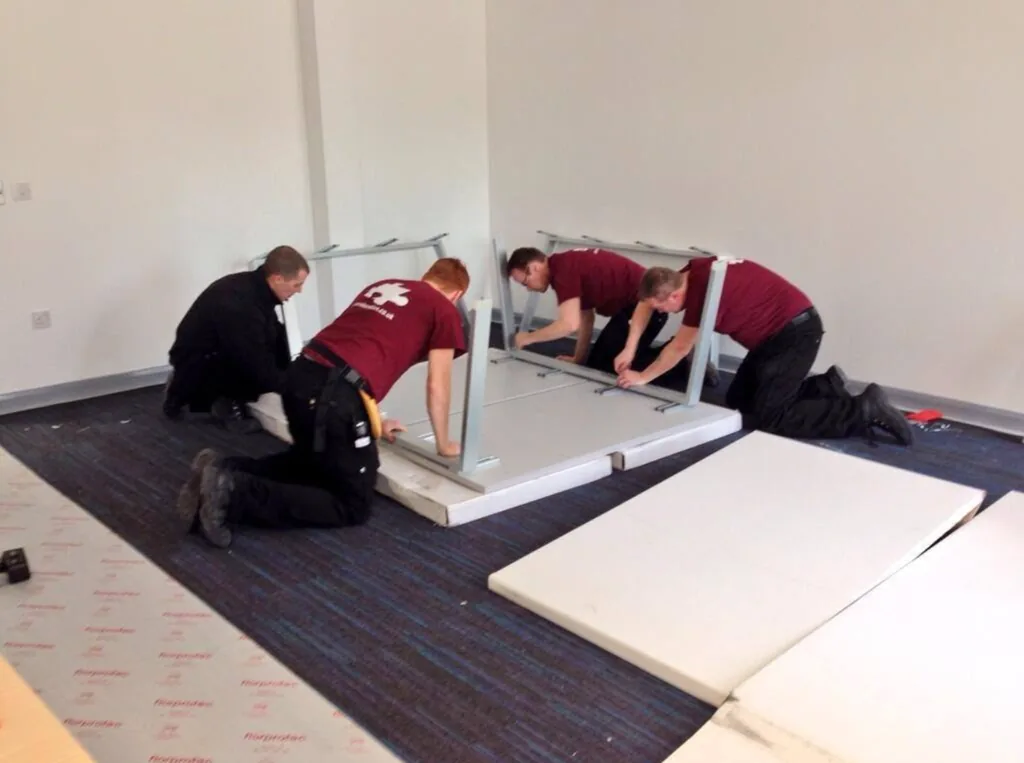
Our own crew does the work. We do not hand it to another firm. We shut down nothing ourselves: your staff log off, then we unplug, label, bag, crate, move and reconnect each machine at its new desk. CMR Relocation has handled office computers as part of business moves since 2011.
- Desktops, laptops, docks, screens, keyboards and mice
- Every cable labelled to its machine and its desk number
- Small parts sealed in anti-static bags
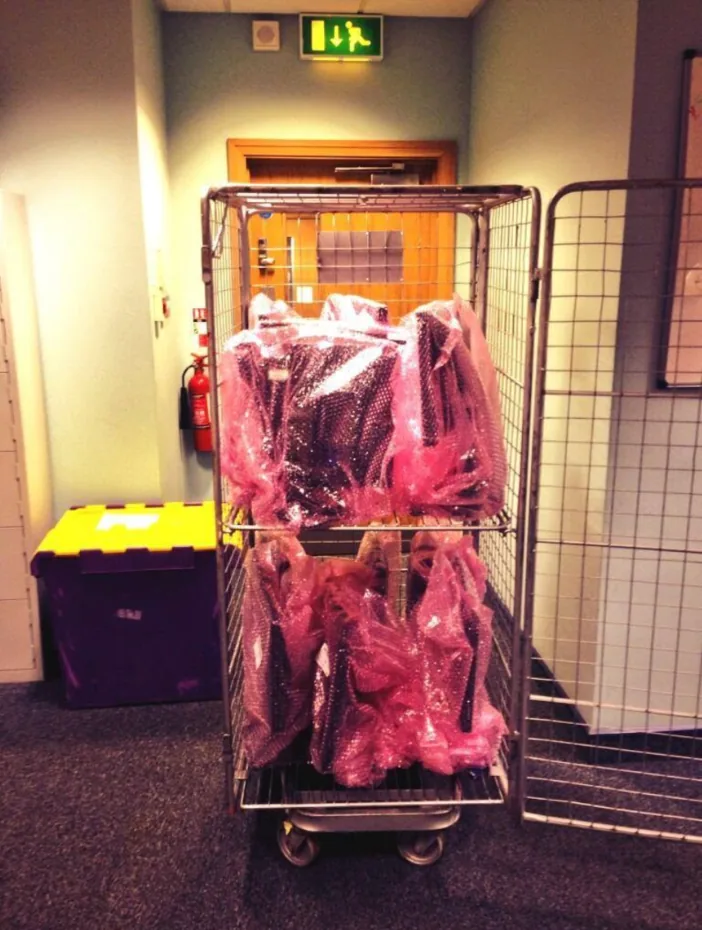
- Screens and towers carried in IT crates or caged trolleys
- Everything plugged back in and powered on at the new desk
IT relocation is usually part of a full business move planned by our office team, but we can also move just the computers if your furniture is staying put.

Step by step
How We Unplug, Pack And Reconnect Each Workstation
Each desk goes through the same four steps. The routine is what keeps hundreds of cables in the right place.
- 1
Label at the old desk
Each machine, screen and dock gets a label with its new desk number. Cables get matching tags, so nothing is guessed later.
- 2
Unplug and bag
Once staff have shut down, we unplug everything. Mice, keyboards and small parts go into anti-static bags with the desk number.
- 3
Crate and move
Towers and screens go into IT crates or onto wrapped trolleys. They load last and come off first.
- 4
Reconnect and power on
At the new desk we plug every cable back in the same way and power the machine on, ready for your IT team to check.
Clear roles
Your IT Team's Jobs And Our Crew's Jobs
The cleanest computer moves have a clear line between the physical work and the systems work. This is how we usually split it.
| Job | Your IT team or provider | CMR Relocation crew |
|---|---|---|
| Phone and internet lines | Order early and confirm they are live | Plan the move date around the line date |
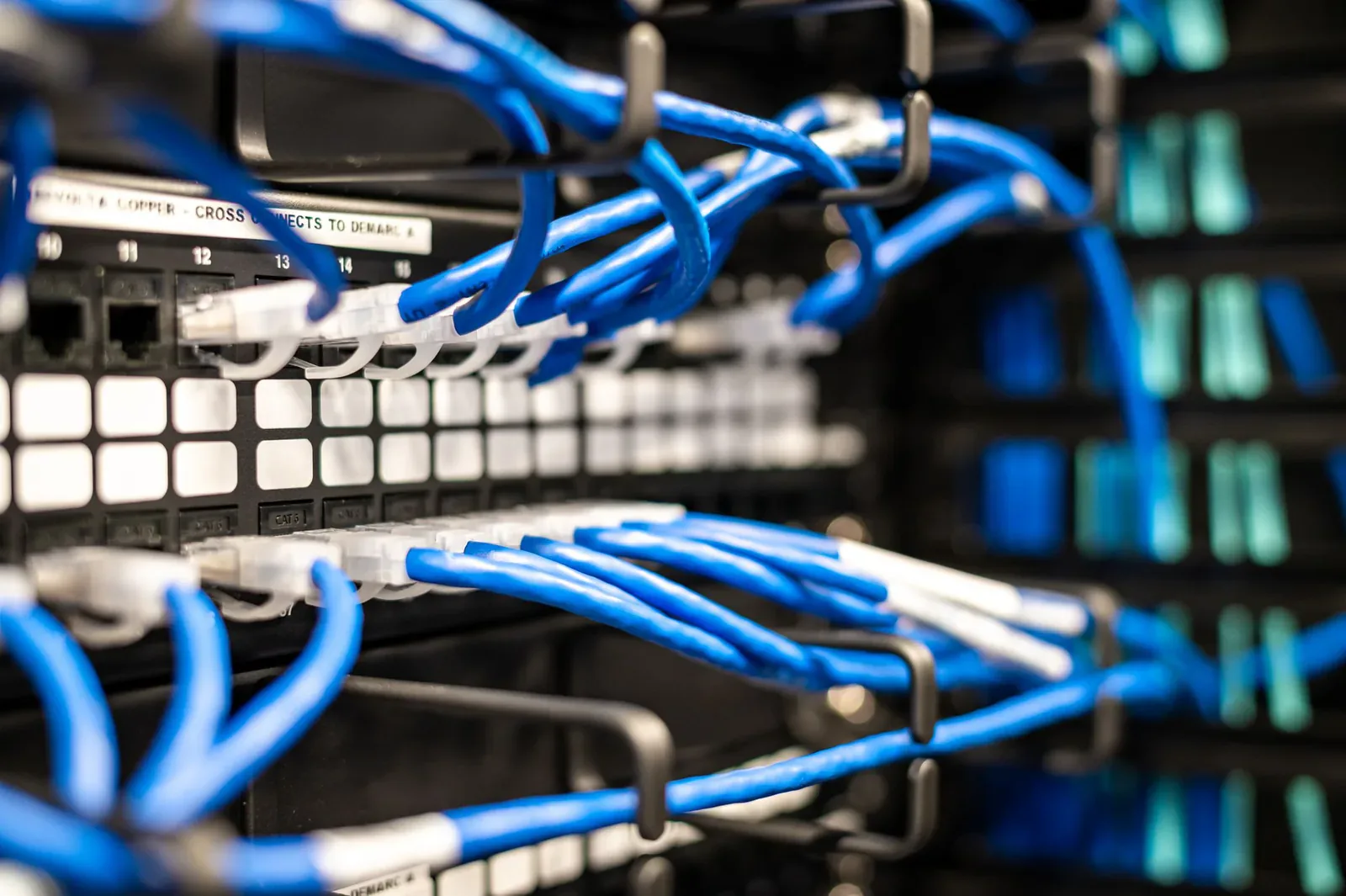
| Network points | Install and test the cabling and the patch panel | Place each desk next to the right floor box |
| Servers and racks | Shut down, unrack and rebuild | Pack and move the hardware with care |
| Staff machines | Tell staff when to log off | Unplug, label, bag, crate and move |
| At the new desk | Check logins, network and printers | Reconnect cables and power on |
| Old equipment | Wipe data or remove drives | Collect and dispose of it under WEEE rules |
Planning
A Computer Move Timeline For Manchester Offices
Three months or more before. Order new lines and check the new office's network cabling. These lead times are the ones most likely to push your move back. Our office move checklist puts this job first for a reason.
Six weeks before. Make a list of every machine and who uses it. Mark the new desk number next to each name on your floor plan. If you need help with the layout, our desk layout and space planning service does this with you.
Ten days before. We deliver IT crates and anti-static bags along with the general packing crates. Staff can start on paperwork, but leave the computers alone.
Move day. Staff save their work, shut down and go home. Our crew labels, unplugs and packs the IT, then loads it last so it comes off the lorry first. Your IT lead joins us at the new office to check machines as they are reconnected.
Your quote
What Changes The Price Of Moving Office Computers
We price every IT move on its own. These are the details that make the biggest difference.
Number of workstations
Each desk with two screens and a dock takes longer than a laptop on a stand.
Crates and bags
How many IT crates and anti-static bags you need for the move.
Floors and lifts
Moving IT between upper floors with one lift takes more crew time.
When you move
Evening, overnight and weekend work keeps your staff working but costs more.
Special kit
Servers, large printers and lab or design machines need extra care and time.
Disposal
Old screens and towers to collect and handle under WEEE rules.
Common faults
IT Moving Mistakes We Help You Avoid
Cables thrown in a box. A tangle of power leads and display cables is the fastest way to lose a Monday. We tag each cable to its machine and bag it with the desk number.
Screens packed flat in cardboard. Screens crack when they are stacked or squashed. We stand them upright in IT crates or wrap them on caged trolleys, never under other loads.
Nobody checks on the day. If machines are only tested on Monday, staff find the faults. We ask your IT lead to check as we reconnect, so problems are fixed before anyone arrives.
Leased kit moved by the wrong people. Some leases say only the supplier may move a photocopier. Check your contracts early. We will plan around their engineer.
Old kit left behind. Old monitors and towers often sit in a cupboard for months. Our office clearance team can take them away under the WEEE rules on the same weekend.
Hybrid offices
Laptops, Docks And Hot Desks In A Hybrid Office Move
Many offices now run on laptops and shared desks. That changes the job, but it does not make it smaller.
Laptops go home with staff. We suggest staff take their laptops and chargers home on the last afternoon. That keeps the most costly kit with its owner, and people can still work if the move runs into Monday morning.
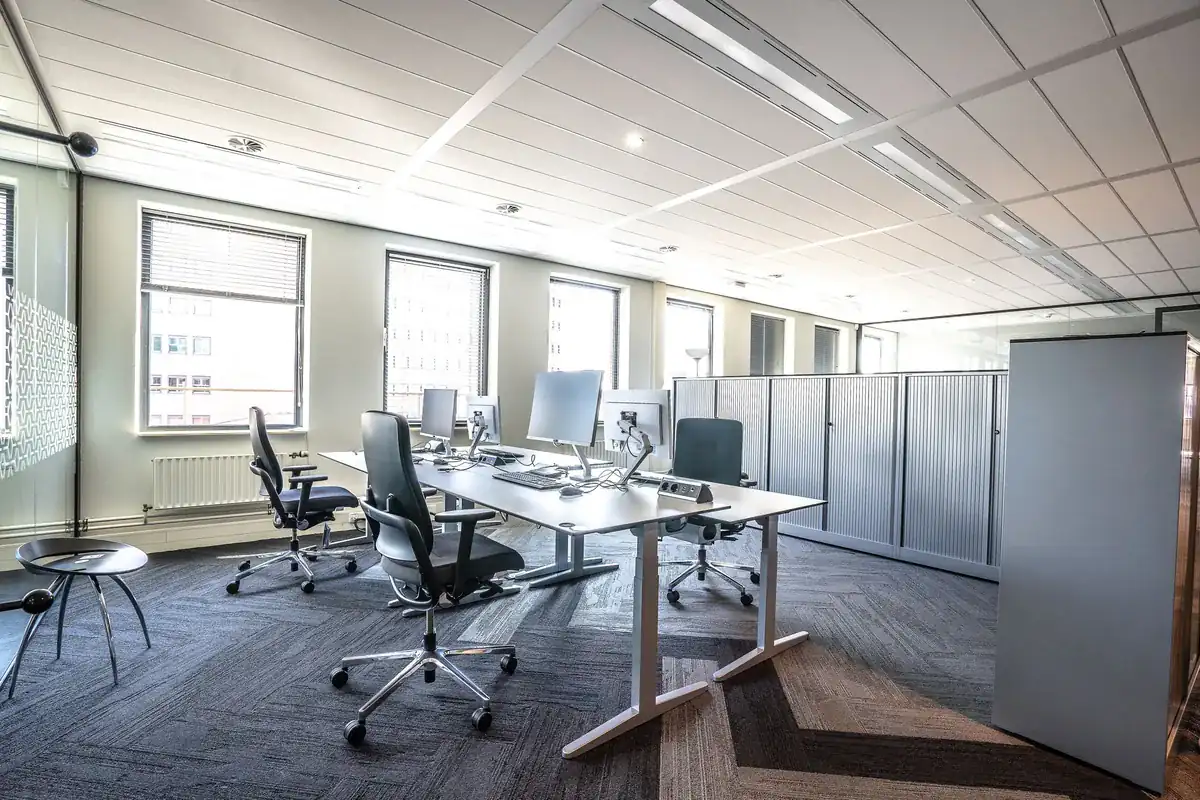
Docks and screens stay with the desk. On a hot desk, the dock, screens, keyboard and mouse belong to the desk, not a person. We label them with the desk number, not a name, and set them up again at the matching desk in the new office.
Shared kit needs an owner. Meeting room screens, video bars, label printers and phone chargers often have nobody looking after them. Give us a list, and name one person who knows where each item should go.
Spares and old cables. Every office has a drawer of old cables, spare mice and broken headsets. Sort it before the move. What still works can come with you in a labelled crate. What does not can go for WEEE recycling.
Getting this right means your staff walk in, dock their laptop and start work. Nobody spends the first hour hunting for a cable or a screen.
Who it suits
Businesses That Book Our IT Moving Service
This service suits office managers and facilities teams who do not have spare IT staff to lift and carry. It also suits small firms with an outside IT support company. That company can then focus on the network and the servers while our crew handles the hardware.
- Teams moving within Manchester, Salford, Trafford or Cheshire
- Offices moving floors within the same building
- Firms swapping desks round after a restructure
- Businesses moving IT into storage while an office is fitted out
We are based at Broadheath in Altrincham, and we move offices across Greater Manchester, including Salford, Stretford and Sale. Darrin and the team can talk your IT lead through the plan before you book. Call 0161 478 3639.
Tell us how many desks and what kit is moving, and we will send you a free quote for the IT side of your move.
Price my IT moveFAQs
Questions IT Leads Ask Before An Equipment Move
IT managers and office managers ask us these before nearly every computer move. Call us if yours is not covered.
Do you move servers and comms cabinets?
We can move the hardware once your IT team or provider has shut it down and taken it out of the rack, and we pack it with care. The shutdown, rebuild and testing of servers, firewalls and network kit should stay with your IT team or support company, who know your systems.
Will staff need to do anything with their computers?
Very little. Ask staff to save their work, log off and shut down on the last afternoon. They should take personal items home and leave the computer, screens and cables where they are. Our crew does the rest.
Do you check the computers work after the move?
We plug each machine back in at the right desk, power it on and check that the screens come on. Logging on, network access and software are checked by your IT team, ideally on the move day itself so problems are fixed before Monday.
What happens to old computers we no longer need?
Old IT can be collected and disposed of under the WEEE rules. Make sure your data is wiped or the drives are removed first. Your IT team should decide how data is handled, and we will work to that.
Can you move printers and photocopiers?
We move desktop printers as part of the IT move. Large leased photocopiers often have to be moved by the leasing company, so check your contract first. Many leases say only their engineer may move the machine.
Local area data
Compare towns across Greater Manchester and Cheshire
Tap a town to see its house prices since 1995, school results, crime and commute.
Contains public sector information licensed under the Open Government Licence v3.0, including HM Land Registry data © Crown copyright and database right 2026. Data sources and notes
Prefer a list? Show all 48 towns
Manchester
Rochdale
Cheshire East
Cheshire West and Chester
Warrington
Not on the list?
Your town may still be close by. Call 0161 478 3639 to ask about your town.
Not on the list?
Your town may still be close by. Call 0161 478 3639 to ask about your town.
Not on the list?
Your town may still be close by. Call 0161 478 3639 to ask about your town.